
On-Page SEO Fundamentals↴
Core HTML & Metadata Optimization
>Title Tag Optimization
>Meta Description Optimization
>Meta Robots Tag Optimization
>Canonical URL Optimization
>Meta Charset Tag Optimization
>Viewport Meta Tag Optimization
Heading Structure Optimization
>Heading Tag H1 Optimization
>Heading Tags H2–H6 Optimization
>Heading Structure Best Practices
Content Optimization
>Keyword Targeting in Content
>Content Structure & Readability
>Content Depth & Word Count
>Multimedia Optimization
>Content Freshness & Updates
Internal Linking Optimization
>Internal Link Structure
>Anchor Text Optimization
>Fixing Orphan Pages
URL & Slug Optimization
Image Optimization
>Image File Naming for SEO
>Image Compression & Formats
>Image Alt Text & Title Attributes
Schema Markup & Structured Data
>Schema Markup Overview
>Common Schema Types
>Testing & Validating Schema
External & Outbound Links
>Outbound Link Quality & Relevance
>Nofollow, Sponsored & UGC Attributes
Page Experience & Engagement
>Core Web Vitals Optimization
>Mobile Friendliness
>Accessibility Standards for SEO
Crawl & Indexing Controls (On-Page)
Canonical URL Optimization: Solving Duplicate Content & Consolidating SEO Power

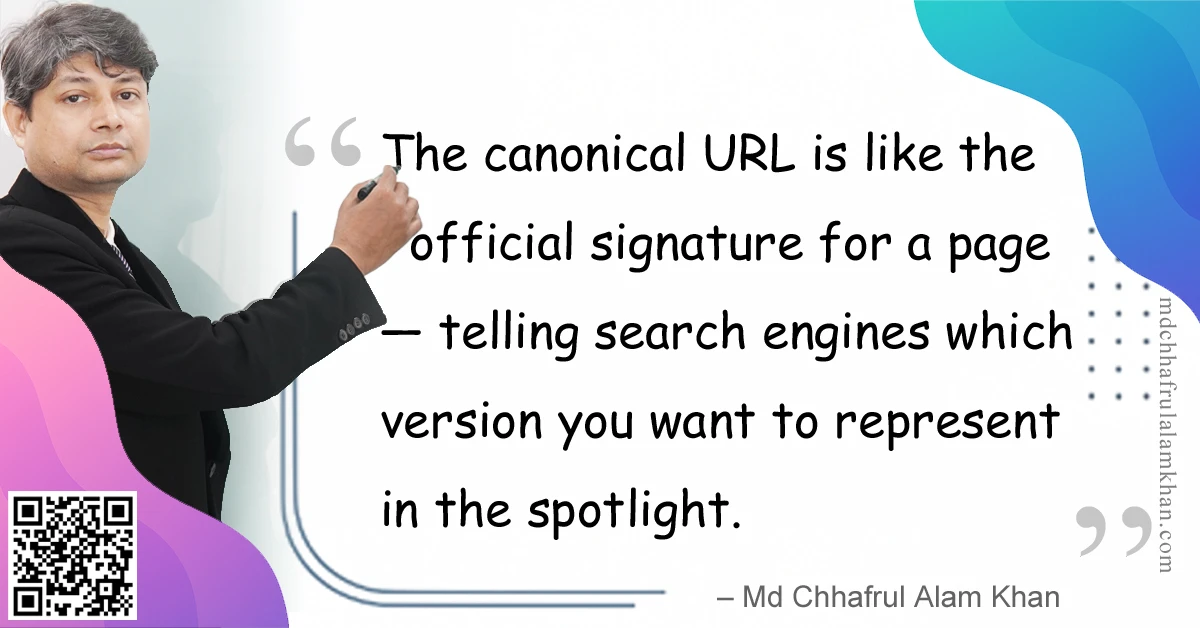
“The canonical URL is like the official signature for a page — telling search engines which version you want to represent in the spotlight.”
– Md Chhafrul Alam Khan
🧭 What is a Canonical URL?
A canonical URL is the preferred version of a web page that you want search engines to index and rank when there are multiple variations of that page.
In HTML, you declare it like this:
<link rel="canonical" href="https://www.example.com/preferred-page/">
It’s your way of telling Google and other search engines:
“This is the main version of the page — treat all similar versions as pointing here.”
🎯 Why Canonical URL Matters
- Prevents Duplicate Content Issues
Stops multiple URLs with the same or similar content from competing against each other. - Consolidates Ranking Signals
All backlinks, authority, and engagement metrics flow to one preferred URL. - Improves Crawl Efficiency
Helps search engines avoid wasting resources on redundant pages. - Stabilizes SERP Appearance
Ensures users see your chosen URL, even if others exist.
📊 Common Scenarios for Canonical URLs
| Scenario | Example | Canonical Target |
|---|---|---|
| HTTP vs HTTPS | http://example.com/page and https://example.com/page | https://example.com/page |
| WWW vs non-WWW | https://www.example.com and https://example.com | https://example.com |
| Parameters in URL | ?utm_source=google or ?color=red | Base product/page URL |
| Printer-friendly versions | /page-print.html | Main content page |
| Same content in multiple categories | /shoes/red/ and /sale/red-shoes/ | Preferred product page |
| Session IDs in URLs | /page?sessionid=1234 | Clean, static version |
📌 Best Practices for Canonical URL Optimization
✅ 1. Always Use Absolute URLs
Canonical tags should include the full URL with protocol (https://).
✅ 2. Self-Reference Canonical Tags
Even the main page should have a canonical tag pointing to itself.
✅ 3. Match Canonical with Sitemap
Ensure your sitemap lists the canonical versions, not duplicates.
✅ 4. Avoid Mixed Signals
Don’t canonicalize to one URL while redirecting to another.
✅ 5. Use Server-Side Redirects When Needed
If the duplicate version has no purpose, a 301 redirect is better than just a canonical.
💼 Mini Case Study: E-Commerce Product Pages
Problem:
An online store had product pages accessible via:
/product/123//shoes/red/product/123//product/123?ref=instagram
Impact:
Google indexed all 3 versions, splitting link equity and ranking power.
Solution:
- Added a canonical tag on all variations pointing to
/product/123/ - Updated internal links to use the canonical version
- Monitored results in Google Search Console
Result:
✅ 35% increase in organic traffic to canonical pages in 2 months.
🛠 Tools for Canonical Tag Verification
| Tool | Purpose |
|---|---|
| Google Search Console | View indexed vs. canonical URLs |
| Screaming Frog SEO Spider | Crawl to find missing or conflicting canonical tags |
| Ahrefs / SEMrush Site Audit | Detect duplicate content without canonicals |
| Browser View Source | Manually check canonical tag placement |
⚠️ Common Mistakes to Avoid
❌ Pointing all pages to the homepage without reason
❌ Using relative URLs in canonical tags
❌ Having multiple canonical tags on one page
❌ Canonicalizing paginated series incorrectly (use rel="prev" & rel="next" for sequences)
❌ Forgetting to update canonicals after site migration
💡 Pro Tips from My Experience
💎 Pro Tip 1: For e-commerce with filter parameters, always canonicalize to the main product category or product page.
💎 Pro Tip 2: Use canonicals strategically for syndicated content — point to the original publisher’s URL to avoid duplicate penalties.
💎 Pro Tip 3: Monitor Google’s “Selected Canonical” in Search Console; sometimes Google overrides your choice.
🧠 FAQs on Canonical URL Optimization
Q1: Is a canonical tag the same as a redirect?
A: No — a canonical suggests the preferred version, but both pages remain accessible unless you use a redirect.
Q2: Can I have different canonicals for mobile and desktop?
A: Avoid it unless there’s a separate m-dot site; consistency is best.
Q3: Will canonical tags fix all duplicate content issues?
A: Not always — use them with proper internal linking and redirects for the best results.
Learn> >On-Page SEO >Off-Page SEO >Technical SEO >Local SEO >Next-Gen SEO
Remember:
“SEO is a journey, not a destination.”
– Md Chhafrul Alam Khan
Next Step 🚀
Master SEO from Beginner to Expert with our Free Online Self-Learning Course on SEO Mastery.
Learn> >On-Page SEO >Off-Page SEO >Technical SEO >Local SEO >Next-Gen SEO
Leave a Reply