
On-Page SEO Fundamentals↴
Core HTML & Metadata Optimization
>Title Tag Optimization
>Meta Description Optimization
>Meta Robots Tag Optimization
>Canonical URL Optimization
>Meta Charset Tag Optimization
>Viewport Meta Tag Optimization
Heading Structure Optimization
>Heading Tag H1 Optimization
>Heading Tags H2–H6 Optimization
>Heading Structure Best Practices
Content Optimization
>Keyword Targeting in Content
>Content Structure & Readability
>Content Depth & Word Count
>Multimedia Optimization
>Content Freshness & Updates
Internal Linking Optimization
>Internal Link Structure
>Anchor Text Optimization
>Fixing Orphan Pages
URL & Slug Optimization
Image Optimization
>Image File Naming for SEO
>Image Compression & Formats
>Image Alt Text & Title Attributes
Schema Markup & Structured Data
>Schema Markup Overview
>Common Schema Types
>Testing & Validating Schema
External & Outbound Links
>Outbound Link Quality & Relevance
>Nofollow, Sponsored & UGC Attributes
Page Experience & Engagement
>Core Web Vitals Optimization
>Mobile Friendliness
>Accessibility Standards for SEO
Crawl & Indexing Controls (On-Page)
Meta Charset Tag Optimization: Ensuring Perfect Text Display Across All Browsers

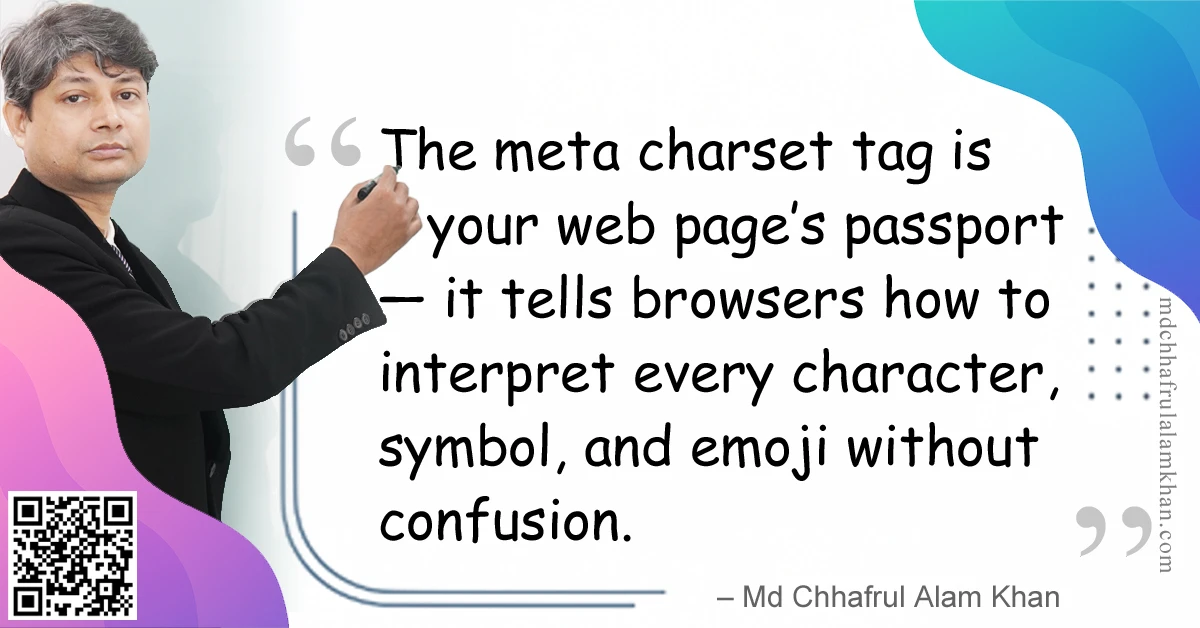
“The meta charset tag is your web page’s passport — it tells browsers how to interpret every character, symbol, and emoji without confusion.”
– Md Chhafrul Alam Khan
🧭 What is the Meta Charset Tag?
The meta charset tag is an HTML element that declares the character encoding for your web page directly within the <head> section.
It ensures browsers render text exactly as intended — whether it’s English letters, accented characters, or complex scripts like Arabic, Chinese, or Bengali.
Example in HTML5:
<meta charset="UTF-8">
🎯 Why Meta Charset Tag Optimization Matters
- Prevents Garbled Text
Stops characters from turning into “mojibake” (unreadable symbols). - Supports Multilingual Content
Enables displaying multiple languages and emojis on the same page. - Ensures Browser Consistency
Works across Chrome, Firefox, Safari, Edge, and mobile browsers. - Improves SEO Readability
Search engines parse your content correctly for indexing. - Faster Rendering
Declaring charset early allows the browser to process the page more efficiently.
📊 Common Character Encodings
| Charset | Usage | Status |
|---|---|---|
| UTF-8 | Universal, supports all languages | Recommended |
| UTF-16 | Large character sets, internal systems | Rare |
| ISO-8859-1 | Western European languages | Legacy |
| US-ASCII | English only | Obsolete |
📌 Best Practices for Meta Charset Tag
✅ 1. Always Use UTF-8
UTF-8 supports virtually all characters and is the global web standard.
✅ 2. Place It First in <head>
Browsers read HTML sequentially; declare charset before loading CSS, JS, or meta tags.
✅ 3. Match With HTTP Headers
The Content-Type header in server settings should match your meta charset declaration.
✅ 4. Use HTML5 Syntax
In HTML5, <meta charset="UTF-8"> is shorter and cleaner than older formats like:
<meta http-equiv="Content-Type" content="text/html; charset=UTF-8">
💼 Mini Case Study: Global News Website
Problem:
A news site displayed “é” instead of “é” in French articles due to missing charset declaration.
Solution:
Added <meta charset="UTF-8"> as the first line in the <head>.
Result:
✅ Correct rendering in all languages, improved reader trust, and reduced bounce rate by 12%.
🛠 Tools to Check Meta Charset Tag
| Tool | Purpose |
|---|---|
| W3C Validator | Confirms correct placement and syntax |
| Browser DevTools | Shows detected charset |
| Google Search Console | Identifies encoding-related indexing issues |
| Pingdom / GTmetrix | Measures render time improvements |
⚠️ Common Mistakes to Avoid
❌ Placing the charset tag after large scripts or CSS files
❌ Using outdated encodings like ISO-8859-1 for multilingual sites
❌ Having multiple charset declarations in one page
❌ Mismatch between HTTP header and meta charset value
💡 Pro Tips from My Experience
💎 Pro Tip 1: Test pages with special characters (€, ñ, 中, ❤️) to ensure correct rendering.
💎 Pro Tip 2: For CMS platforms like WordPress, ensure the theme includes the charset tag in header.php.
💎 Pro Tip 3: If serving AMP pages, UTF-8 is mandatory.
🧠 FAQs on Meta Charset Tag
Q1: Is UTF-8 always the best choice?
A: Yes — it supports all scripts, emojis, and special characters with minimal file size impact.
Q2: Can I skip the meta charset tag if my server sends it via HTTP headers?
A: No — always declare it in HTML for redundancy and clarity.
Q3: Does charset affect page speed?
A: Indirectly — early declaration speeds up text rendering.
Learn> >On-Page SEO >Off-Page SEO >Technical SEO >Local SEO >Next-Gen SEO
Remember:
“SEO is a journey, not a destination.”
– Md Chhafrul Alam Khan
Next Step 🚀
Master SEO from Beginner to Expert with our Free Online Self-Learning Course on SEO Mastery.
Learn> >On-Page SEO >Off-Page SEO >Technical SEO >Local SEO >Next-Gen SEO
Leave a Reply